

New Office IT Setup & Network Checklist
Moving or opening a new location? Use this checklist to plan cabling, internet, and day-one equipment setups.
- 15-Min Remote Triage
- Anchorage, Mat-Su & Statewide
- Security-First Architecture
Field-Tested Alaska IT Checklist
A smooth office opening requires planning internet installs, cabling drops, and server room gear weeks in advance. Use this timeline checklist to stay organized.
1. 4-6 Weeks Prior: Internet & Cabling Infrastructure
Order business internet
Submit orders with ISPs (GCI, ACS, MTA) early, as commercial hookups can take weeks.
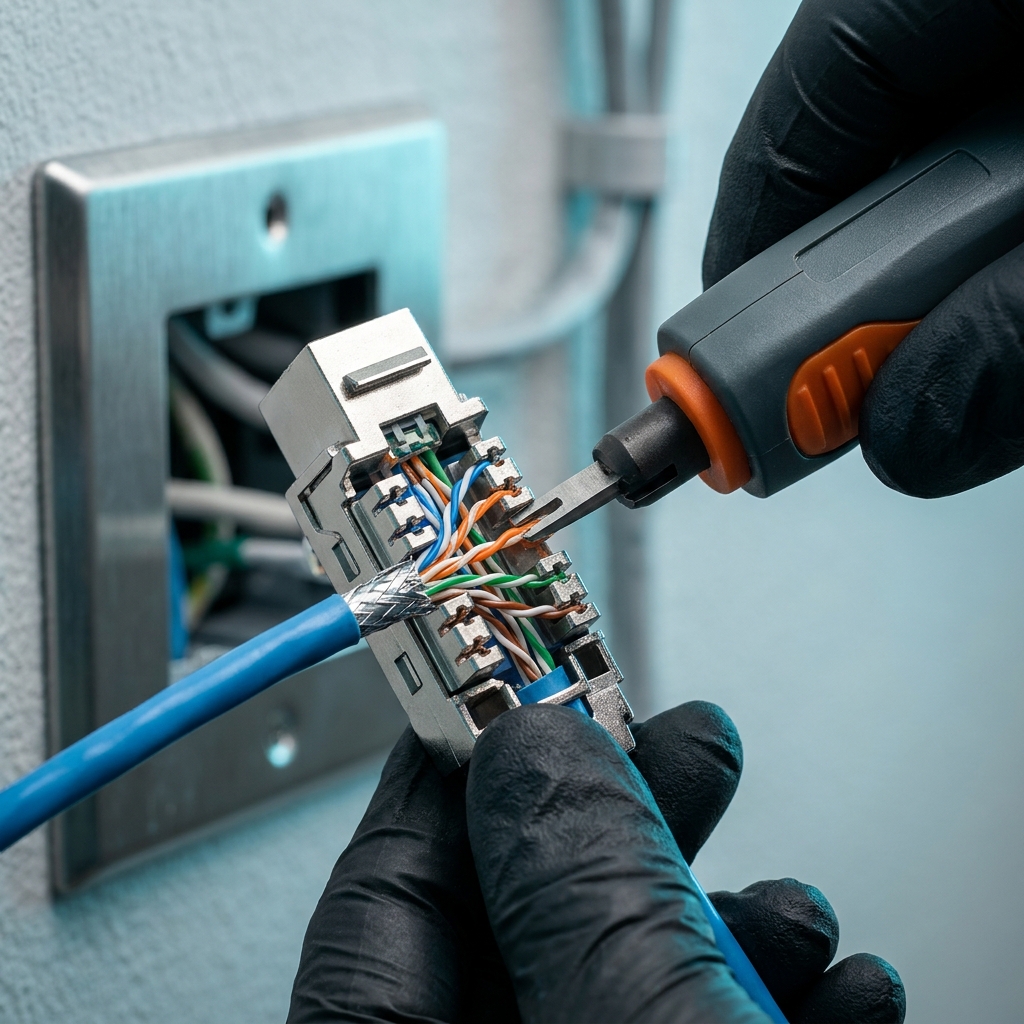
Plan structured Ethernet cabling
Mark RJ45 outlet locations for printer, desktop, and ceiling access point locations.
Design server closet location
Select a cool, lockable closet with dedicated outlets to place switches, routers, and NAS gear.
2. 1-2 Weeks Prior: Network Hardware & Configuration
Assemble router, switch, and access points
Pre-configure network security settings, firewalls, and Wi-Fi channels.
Configure guest and staff Wi-Fi networks
Separate local office traffic from public client connections.
Coordinate local printers & scanners
Assign static local IP addresses and set up scan-to-folder paths on networks.
3. Move Week: Device Deployment & Day-One Support
Mount hardware and plug cables
Secure switches and routers into rack mounts; connect access points to switches.
Test office-wide Wi-Fi signals
Walk the space checking for dead zones in meeting rooms and offices.
Onsite IT support standby
Keep an IT consultant onsite on day one to handle login issues and printer mapping instantly.
Tip: You can use your browser's Print function (Cmd+P or Ctrl+P) to save or print this page as a clean PDF checklist.

 No Lock-In
Need professional help implementing this setup?
We help local Alaska businesses configure, lock down, and audit their entire IT setups. Connect with us today.
On-site in Anchorage, Wasilla, Palmer & Eagle River • Remote & fly-in support statewide
Estimate Monthly IT Cost
Compare Managed IT, Co-Managed IT, and HIPAA/CMMC compliance vs. in-house staff.
Switching IT Providers?
Locked out of admin credentials or tired of slow tickets? See our 14-day takeover playbook.
Outage or Security Incident?
Immediate Alaska remote & on-site triage for ISP cuts, hacked M365, or server failures.